Layers
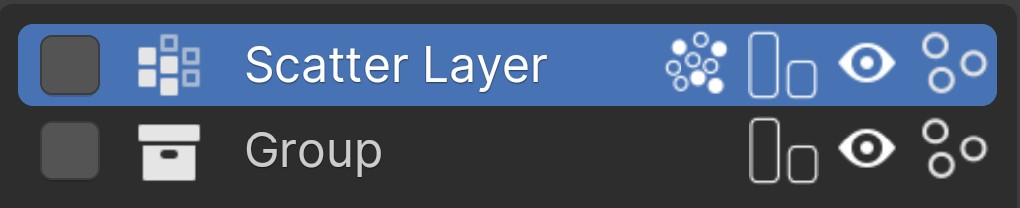
See the Layers page to understand more about adding, moving, and removing layers.
Layer Type Icon
This icon will help distinguish layer types.
For the Group icon this is also the way to go into the group and edit/add the layers inside
Layer Name
Double click to rename the layer
Even Density (Only Scatter Layer)
Enable this if you're having difficulties getting a more even spread of assets especially on steep slopes. Not on by default as it can slow down computation
Display as Bounds
Display each asset as its bounds. Doing so will actually display the bounds of this asset across all layers. Doing otherwise would not actually help you out any and slow everything down.
Visibility 
Disable the layer from being shown in the viewport and render
Show Particles
Speed up the viewport by displaying basic spheres instead of the assets.